How to allow app permissions before driving
App settings
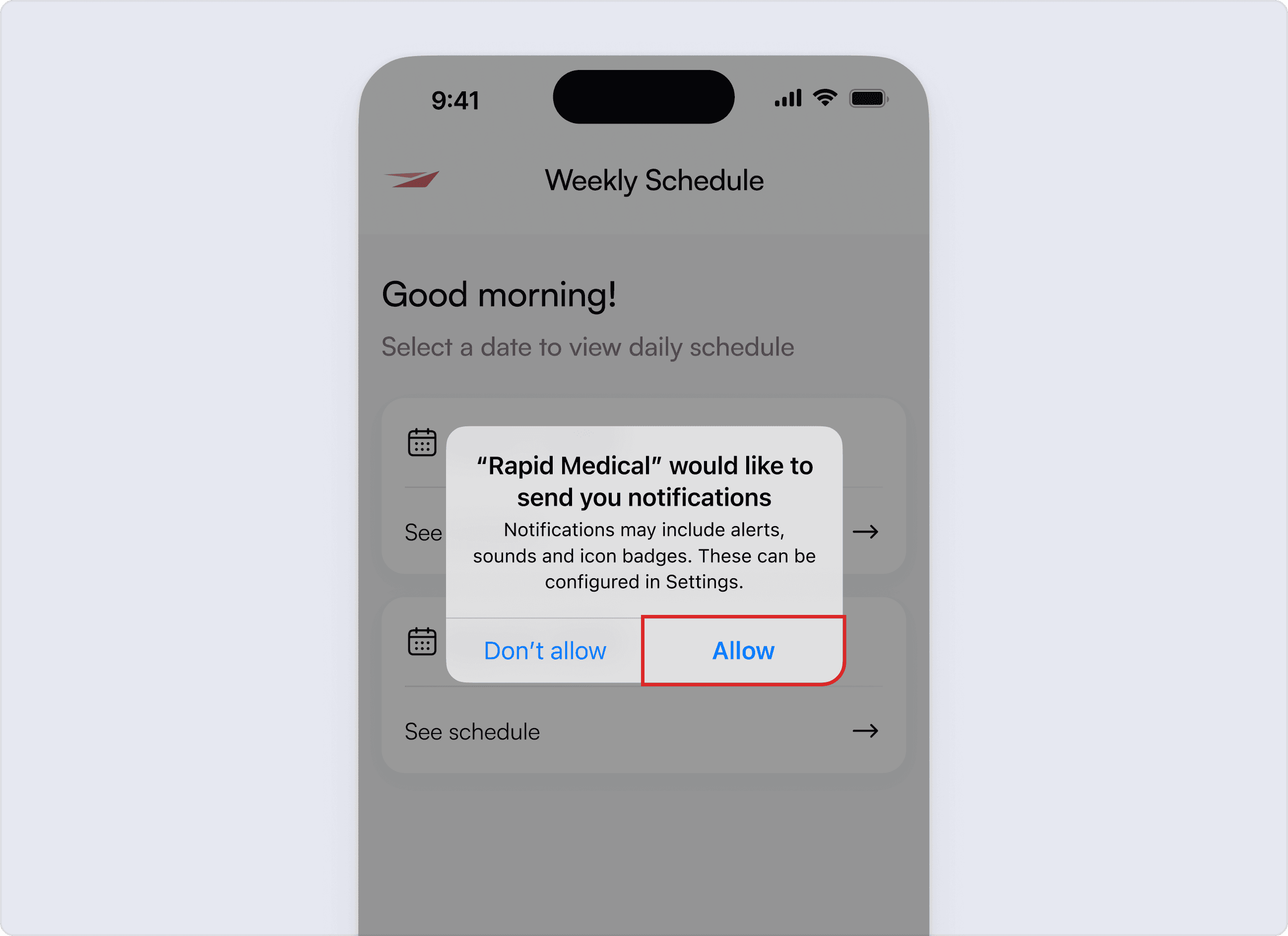
Allow notifications. This information allows us to gather accurate ETA’s and provide visibility for customers. Notifications are important to ensure you are notified about any changes to your daily schedule.
Location services
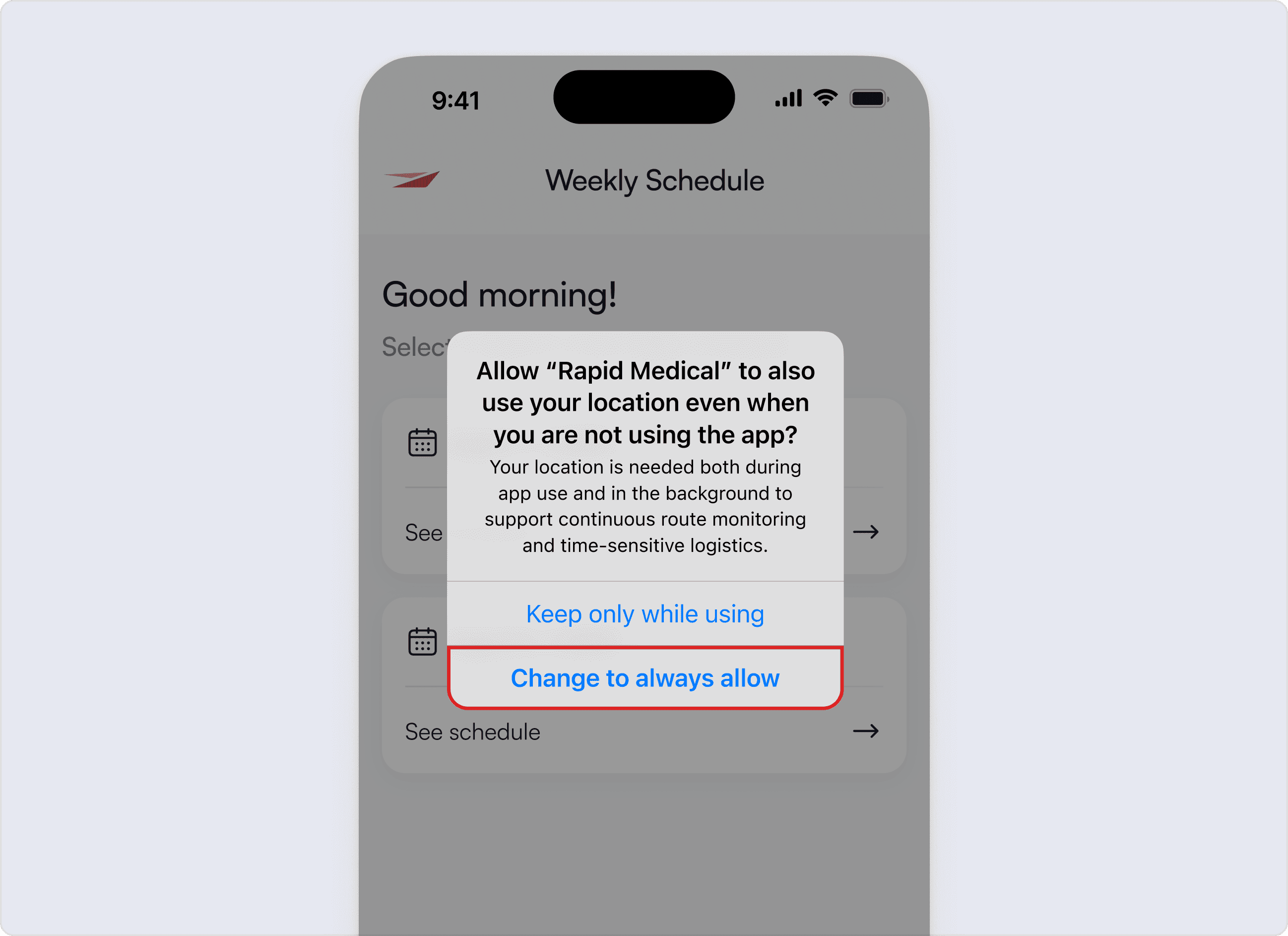
To give location services permission tap Allow While Using App on the popup and then tap Change to Always Allow. Tap Allow for motion tracking and notifications.
We do not collect location data after daily schedule is completed and you log out of the app.
Related Articles