
Learn why you should follow the sequence shown
Stop card
The stops are ordered by service times and are split by active and completed tabs. Stops must be serviced in the order they are displayed in, this ensures timeliness and avoids confusion with the customers. The stop name, service time and status are listed on the stop card.
Tap on the stop card to view the address and tasks
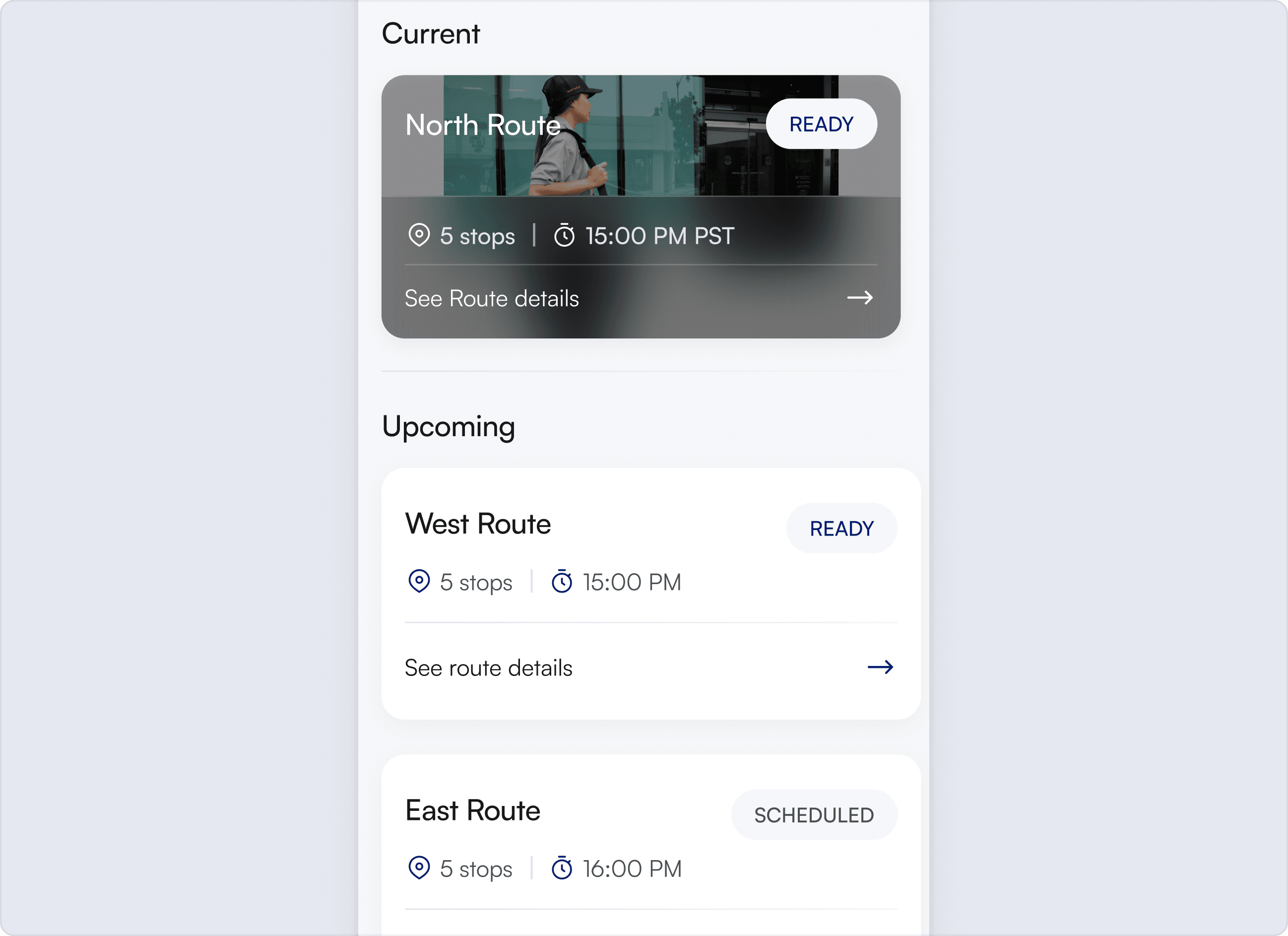
Current stop
If a stop is not the current stop you will not be able to service it
Related Articles
Navigation
How following navigation helps you stay on route

Stops notes
Make sure to read the stop notes

Mark arrival
How to mark your arrival at a stop

Services
How to complete all the services at a stop

Log parcels
Learn why it’s important to log every parcel accurately

Work order parcels
Learn how to confirm predefined parcels

Managing parcels
How to correct or remove an incorrectly added parcel

Samples not out (SNO)
Learn what to do when there are no parcels to pickup

Proof of service photos
Why taking proof of service photos is important

Proof of service notes
Learn how to record who you spoke to at each stop